Photorealistic renders from Palette CAD
Export an image of your Palette CAD project: MonRendu turns it into a realistic photograph in under a minute. No plugin, no change to the way you design.
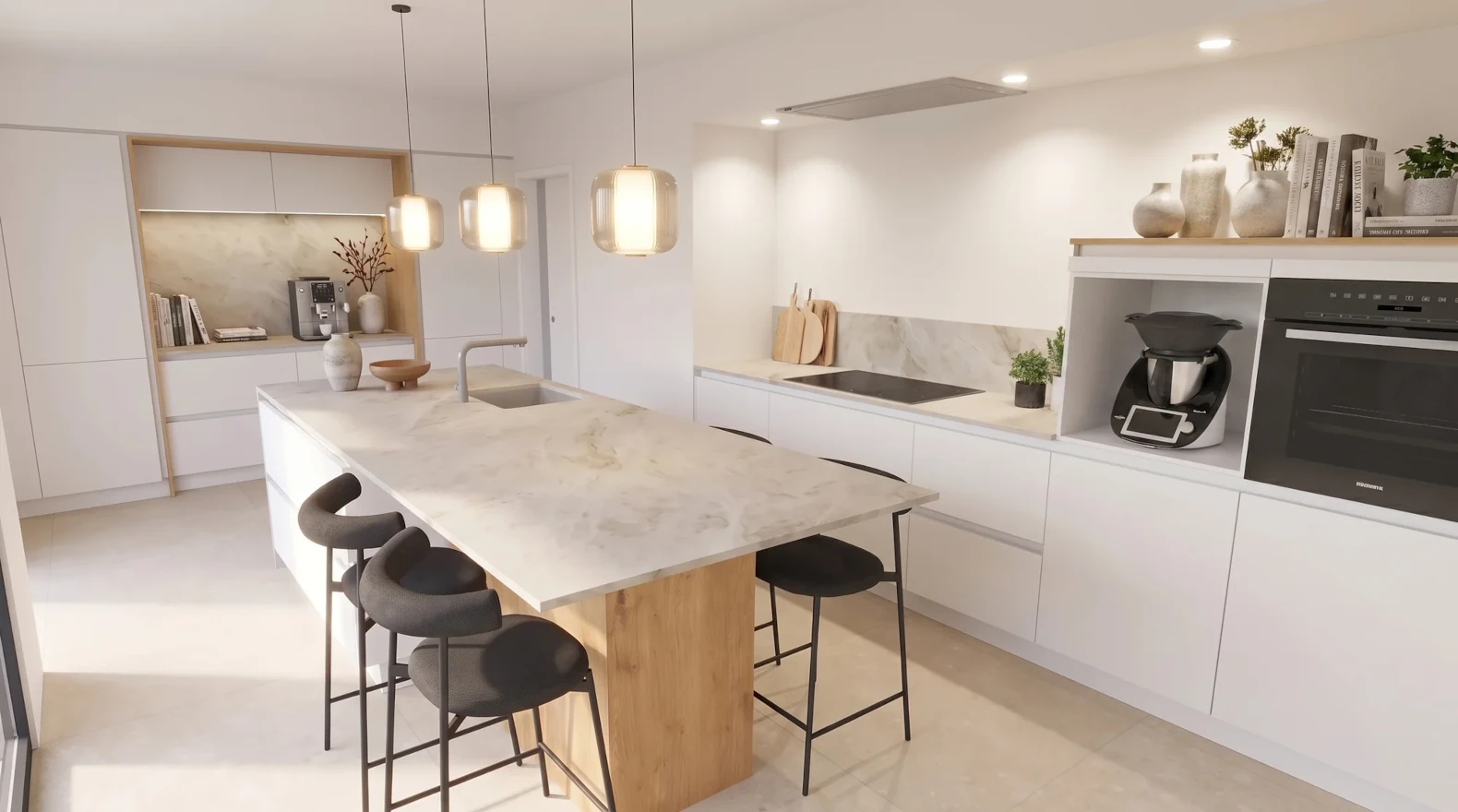
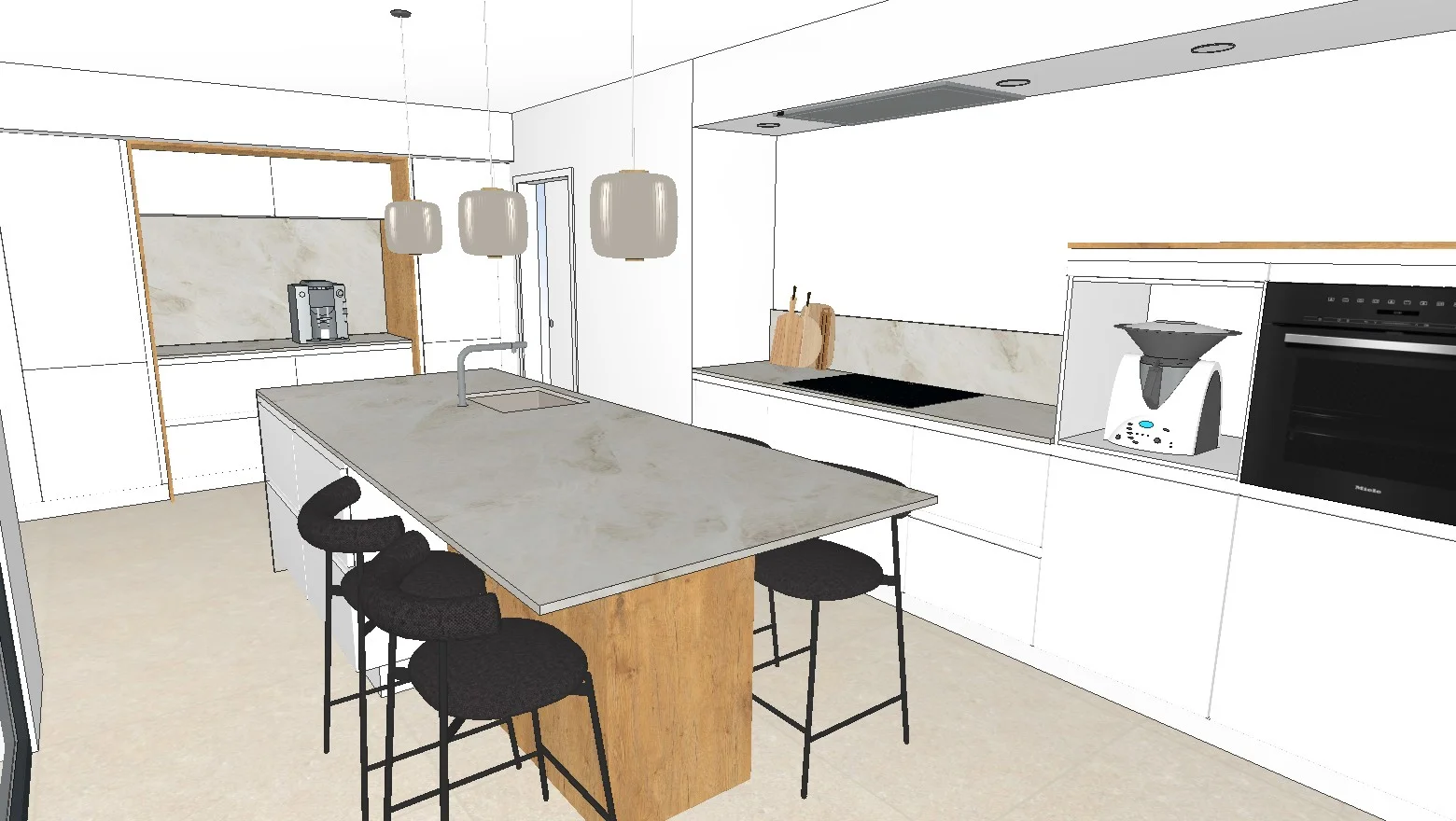
Example: design export on the left, MonRendu visual on the right.

From Palette CAD to a sales visual, in three steps
- 1
Export from Palette CAD
Save the view of your Palette CAD project as an image (JPG, PNG or WEBP), just as you already do to send it to the client.
- 2
Drop the image into MonRendu
MonRendu turns it into a realistic photograph in under a minute. The layout, volumes and proportions drawn in Palette CAD are kept.
- 3
Adjust and share
Change a door front, a worktop or the mood by describing it, then send your client a link, with no account to create.
Why pair Palette CAD with MonRendu
Nothing to install
No plugin, no connector: MonRendu never reads your Palette CAD file, only the exported image. Nothing changes in your software.
Your design stays the reference
Palette CAD keeps the plan, the quote and the technical details. MonRendu produces the visual that gets it signed.
Under a minute per visual
No render time, no powerful workstation: everything happens online, during the meeting if needed.
Questions about Palette CAD and MonRendu
- Is MonRendu compatible with Palette CAD?
- Yes. MonRendu works from an exported image (JPG, PNG or WEBP): any view Palette CAD can save as an image will do.
- Do I need to install a plugin in Palette CAD?
- No. There is no plugin and no connection between Palette CAD and MonRendu. You export an image and upload it to MonRendu from your browser.
- Does the render stay true to the project designed in Palette CAD?
- The layout, volumes and proportions come from your Palette CAD export. For materials, the visual shows the look, not a sample: you correct it by describing it.
- Which view should I export from Palette CAD?
- An eye-level perspective in good resolution, with the door fronts and worktop clearly visible. The sharper the export, the more faithful the visual.